Creating Videos with AI
FrameScript is a text-based video editor, so it pairs extremely well with LLM-based coding agents. This guide shows how to create a video using a coding agent.
1. Prepare a coding agent
First, pick a coding agent.
Good options include Codex CLI, Claude Code, and Gemini CLI.
Personally, I recommend Codex CLI.
2. Create a project
Run the following command in any directory:
npm init @frame-script/latest
This will create a project via an interactive prompt.
Move into the created directory:
cd <project-path>
Then run:
npm run start
3. Open your editor
Launch your preferred editor in the created project directory.
4. Start the coding agent
Open a new terminal and start the agent in the project directory.
5. Give clear instructions
This is the most important part. FrameScript bundles the editor inside the project directory, which is a bit unusual. The AI needs to understand that setup. We recommend instructions like:
First, read
AGENTS.mdto understand the project overview.
Then follow with something concrete, for example:
I want to create a video here. First, please do ~~~.
When AI works best
AI is often good at adding motion to images or text. However, cutting videos or fine-tuning positions can be tricky, because LLMs cannot view the preview. For detailed positioning, ask the agent to expose values as variables and adjust them yourself. For video cuts, it is usually faster to do a rough pass manually.
Gallery
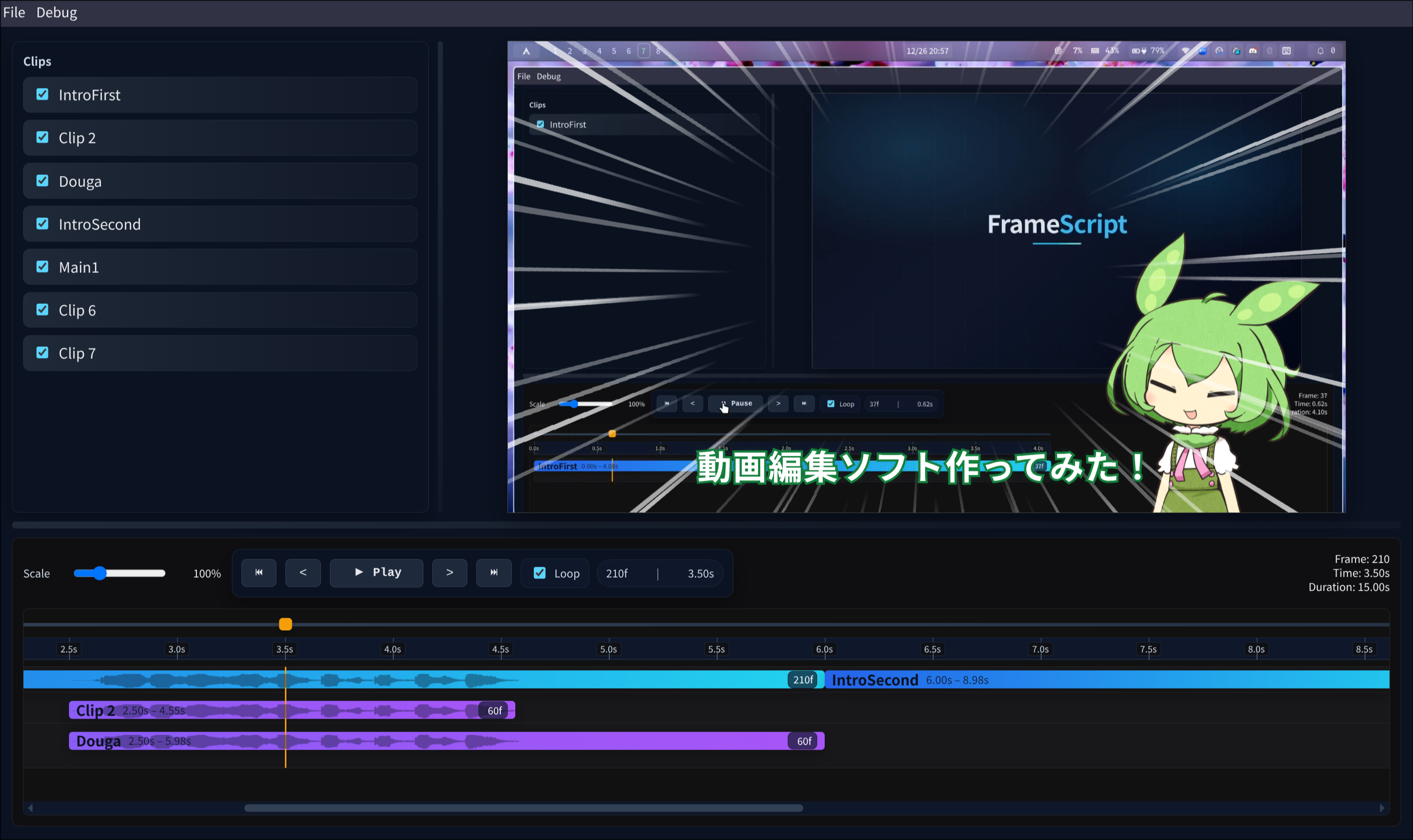
In this example, the outlined text, character placement, and radial lines were created with AI instructions.